How to Download Facebook Videos in HD
Facebook has no save button for videos, and its HD clips are trickier than most because the picture and sound are stored separately. Here is how to download public Facebook videos and Reels as a complete MP4 in Full HD — with the audio properly included.
Downloading a Facebook video is simple, but getting a proper HD file with sound is where many tools fall short. That is because Facebook streams high-definition video and its audio as two separate files, and they have to be merged back together. A good downloader does this for you automatically.
Step by step
- Open the Facebook video, Reel, or Watch clip.
- Click the three dots (⋯) or the Share button and choose Copy link. Short fb.watch links work too.
- Open the Facebook downloader and paste the link.
- Click Download and pick a quality — 1080p Full HD, 720p, or SD.
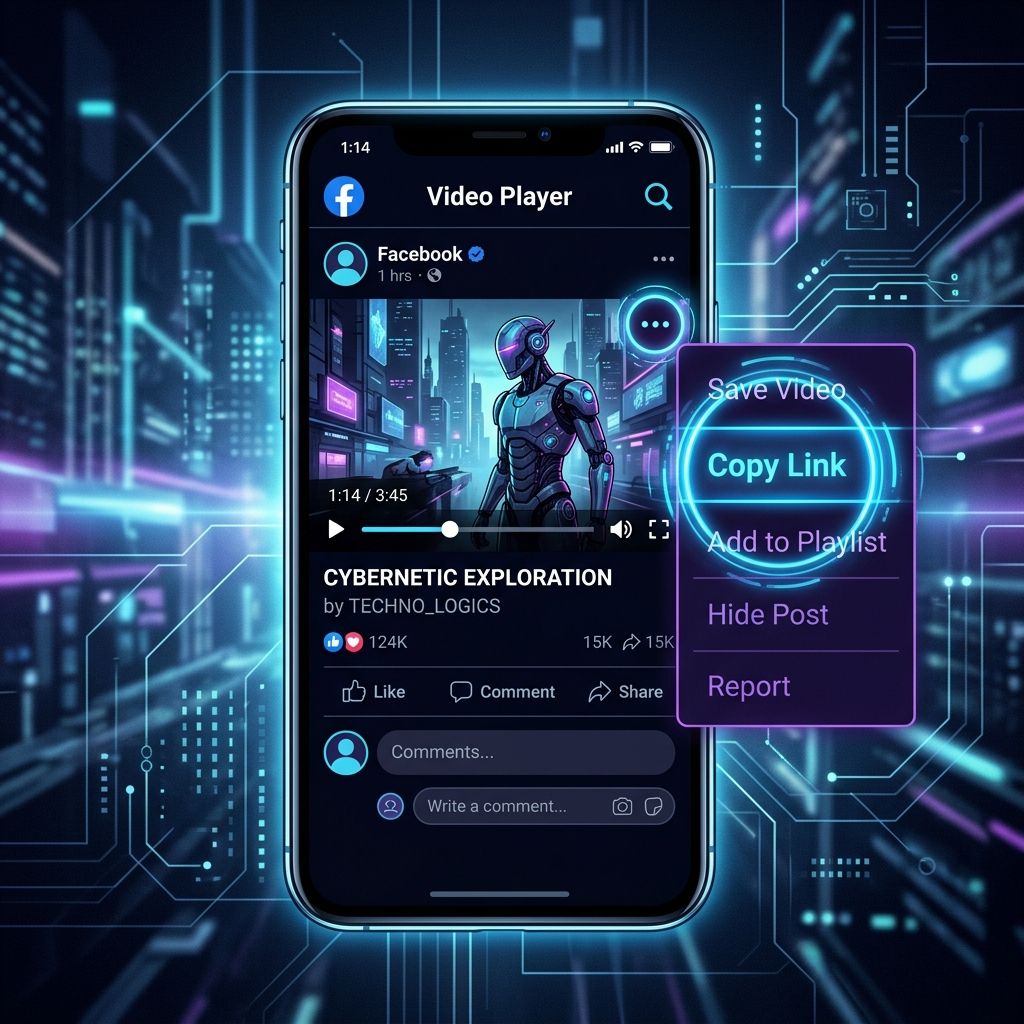
Downloading Facebook Reels
Facebook Reels download exactly like regular videos — copy the Reel's link and paste it in. You will get the vertical MP4 in the best quality available.
Why some Facebook videos will not download
The most common reason is privacy. Videos posted to a private profile, a closed group, or restricted to Friends only require a login and cannot be fetched. The same applies to age-restricted content. Anything set to Public — which is most page and creator content — works normally.
Phone vs computer
The process is the same on both. On a phone the file saves to your Downloads or gallery; on a computer it goes to your Downloads folder. No app or browser extension is required on either.
Facebook Downloader
Save any public Facebook video in HD — paste the link into our free tool.
Open the Facebook Downloader →Frequently Asked Questions
Can I download Facebook videos in 1080p?
Yes, if the video was uploaded in Full HD. The downloader merges the separate HD video and audio streams into one MP4 automatically.
Do fb.watch links work?
Yes. Short fb.watch links, facebook.com/watch links, and classic /videos/ links are all supported.
Why does the HD download take longer to start?
For HD, the server downloads the separate video and audio files and merges them into a single MP4. That merge adds a short delay — usually 10 to 30 seconds.
Can I download private Facebook videos?
No. Videos from private profiles, closed groups, or 'Friends only' posts require a login and cannot be downloaded.