How to Download Instagram Reels and Videos
Instagram lets you bookmark a Reel, but not save it to your device. If you want the actual MP4 file — to watch offline, re-edit, or keep — here is how to download public Reels and video posts in HD, free and without logging in.
Instagram is built to keep you inside the app, so there is no download button for videos. Saving a Reel only bookmarks it to your private collection — the file never lands on your phone. To get the real MP4, you copy the post's link and run it through a downloader that fetches the public video stream.
Step by step
- Open the Reel or video post in Instagram.
- Tap the three dots (⋯) above the post, or the paper-plane Share icon, and choose Copy link.
- Open the Instagram downloader and paste the link.
- Tap Download, choose the HD quality, and save the MP4 to your device.
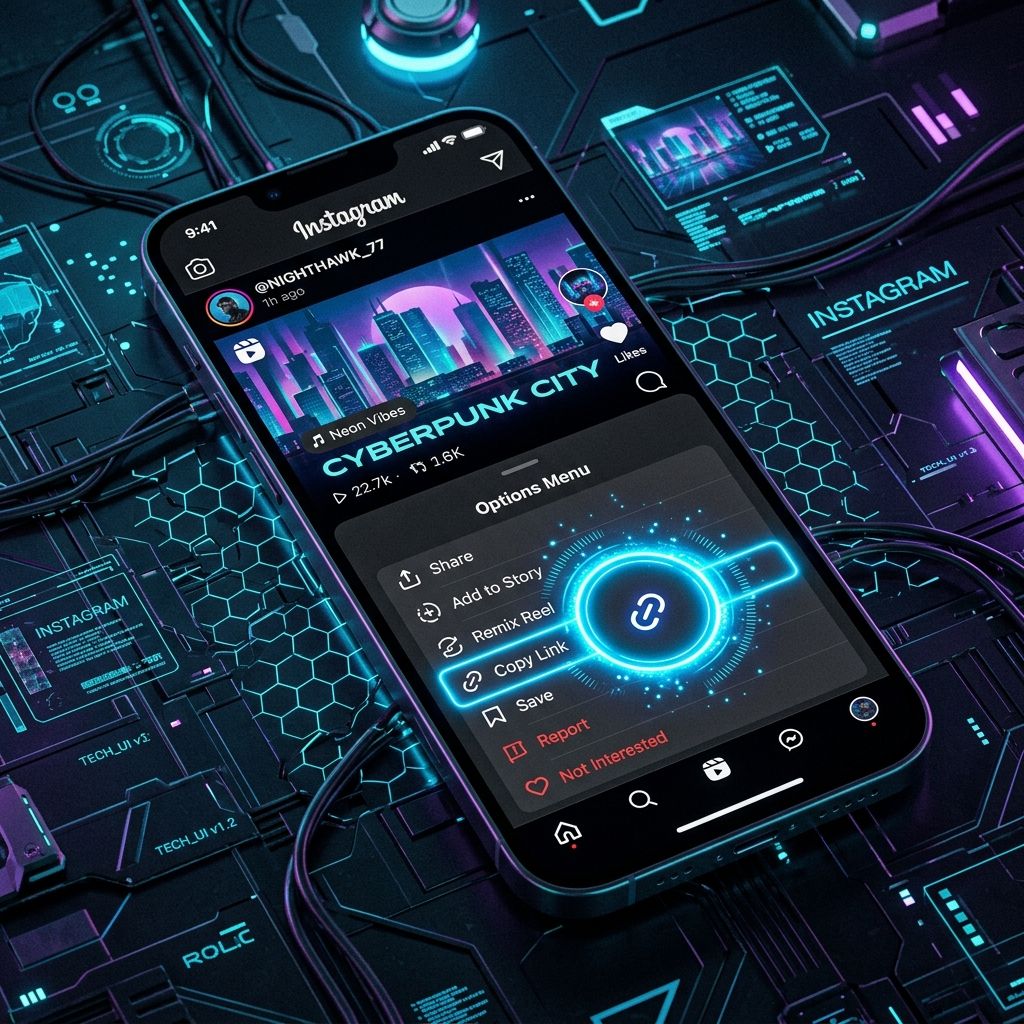
Downloading Reels with sound
Reels always download as a complete MP4 with the audio included, so trending sounds and voiceovers stay intact. There is no separate step to keep the sound — it is already part of the file.
Can you download Instagram Stories or private posts?
No — and this is an important limit to understand. Stories, Highlights, and anything from a private account require you to be logged in (and, for private accounts, approved as a follower). No legitimate downloader can access them, because that would bypass Instagram's privacy protections. Only public Reels and video posts can be saved.
Why a download sometimes fails
Instagram occasionally slows down automated requests from download servers. If a link does not work on the first try, wait a minute and try again. Also double-check that the post is public and actually contains a video — photo-only posts have nothing to download.
Instagram Downloader
Grab any public Reel now — paste the link into our free Instagram downloader.
Open the Instagram Downloader →Frequently Asked Questions
Can I download Instagram Reels without an account?
Yes. Public Reels and video posts download without any login. Only private or Stories content requires an account, and those cannot be downloaded.
Do Reels download with their audio?
Yes, Reels save as a full MP4 with the sound included.
Can I save Instagram Stories?
No. Stories and Highlights require being logged in, so they cannot be downloaded by any third-party tool.
What quality do Instagram videos download in?
The best quality Instagram provides for that post — usually HD (720p or 1080p) depending on how it was uploaded.