How to Download Videos and GIFs from X (Twitter)
X shows a lot of video but gives you no way to save it. Whether it is a clip or an animated GIF, here is how to download it as an MP4 in the best quality — free and without an account.
There is no download button on X (formerly Twitter), even though video is some of the most-shared content on the platform. To keep a clip, you copy the post's link and run it through a downloader that pulls the video in every resolution X offers.
Step by step
- Open the post on X that contains the video or GIF.
- Tap the Share icon and choose Copy link.
- Open the X (Twitter) downloader and paste the link.
- Tap Download and pick the highest resolution for the best quality.
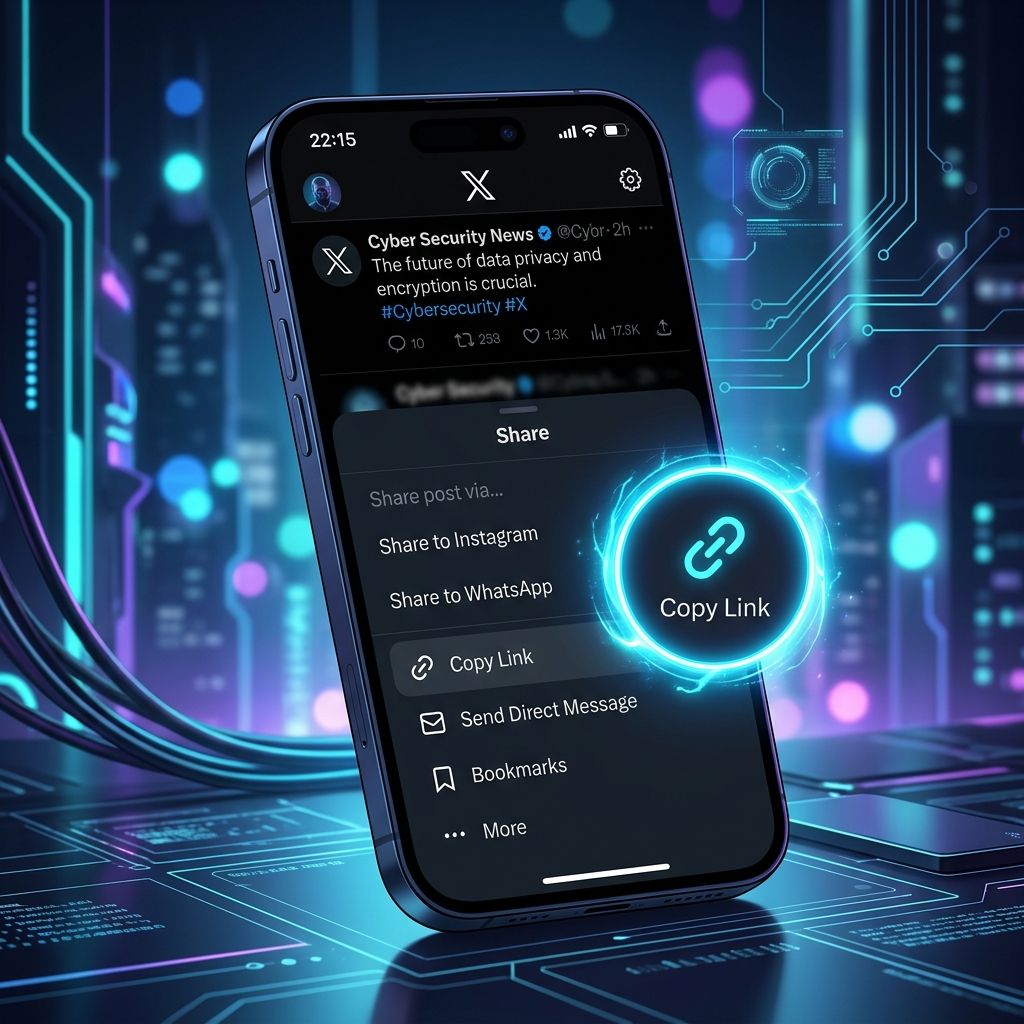
Downloading GIFs from X
Here is something many people do not realise: GIFs on X are not really GIFs — they are short, silent MP4 videos. That means they download exactly like any other video. Paste the post link and you will get the animation as a small MP4 file you can replay or share.
Choosing the right quality
X usually serves several resolutions for a single video — often from 1080p down to 240p. Higher resolution means a sharper picture but a bigger file. For most uses the top option is best; if you are on limited data, a lower resolution saves space.
What will not work
Videos from protected (locked) accounts require a login and approved access, so they cannot be downloaded. Only videos from public posts can be saved.
X (Twitter) Downloader
Save any public video from X — paste the post link into our free downloader.
Open the X (Twitter) Downloader →Frequently Asked Questions
How do I download a video from X?
Copy the post link with the Share icon, paste it into the X downloader, tap Download, and choose your quality.
Can I download GIFs from X?
Yes. GIFs on X are stored as short MP4 videos, so they download just like normal videos.
Do old twitter.com links still work?
Yes — x.com, twitter.com, and shortened t.co links are all supported.
Can I download from private X accounts?
No. Videos from protected accounts require a login and cannot be downloaded.