Video Quality Explained: Which Resolution Should You Download?
When a downloader offers 4K, 1080p, 720p and 480p, which one should you pick? This guide explains what those numbers mean in plain terms, how they affect file size, and how to choose the right one for your situation.
That number with the "p" — 1080p, 720p, and so on — is the video's resolution: how many rows of pixels tall the picture is. More pixels means a sharper, more detailed image, but also a bigger file. The "p" stands for progressive, which is just how the frames are drawn; you can safely ignore it.
What each resolution actually means
| Name | Resolution | Best for |
|---|---|---|
| 4K (2160p) | 3840 × 2160 | Big TVs, large monitors, max detail |
| Full HD (1080p) | 1920 × 1080 | The sweet spot for most people |
| HD (720p) | 1280 × 720 | Phones, saving data, smaller files |
| SD (480p) | 854 × 480 | Slow connections, quick previews |
| 360p / 240p | 640 × 360 and below | Very limited data or storage |
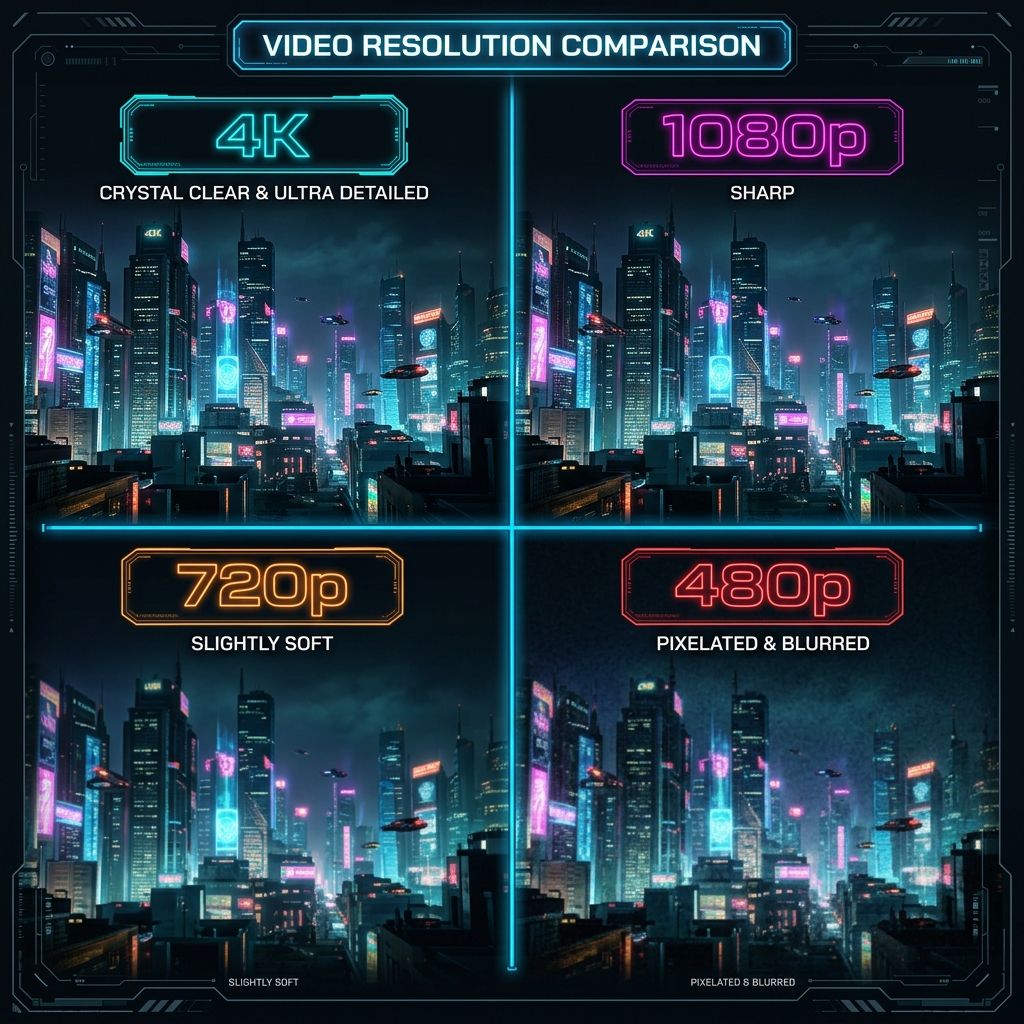
How resolution affects file size
This is the trade-off that matters. Going up in resolution roughly multiplies the file size. As a rough guide for a one-minute clip:
- 4K — very large, often 50–150 MB per minute or more.
- 1080p — moderate, roughly 15–40 MB per minute.
- 720p — smaller, around 8–20 MB per minute.
- 480p — small, a few MB per minute.
Which one should you pick?
- Watching on a phone? 720p or 1080p looks great and saves space — the extra detail of 4K is hard to see on a small screen.
- Watching on a TV or big monitor? Go for 1080p, or 4K if it is offered and you have the storage.
- Low on data or storage? 480p is perfectly watchable and tiny.
- Editing the clip later? Choose the highest resolution available so you keep the most detail to work with.
A note on the source video
A downloader can only offer what the platform actually has. If a creator uploaded their video in 720p, no tool can give you a true 1080p or 4K version — the extra detail was never there. That is why the quality list changes from one video to the next.
MultiDownloader
Every quality at a glance — our downloader lists all available resolutions with file sizes.
Open the MultiDownloader →Frequently Asked Questions
Is 4K always better than 1080p?
It has more detail, but on a phone screen the difference is hard to notice and the file is much larger. For most everyday use, 1080p is the best balance.
Why is 4K not available for some videos?
Because the original was not uploaded in 4K. A downloader can only offer the resolutions the platform actually stored.
Does higher resolution use more data?
Yes. Higher resolution means a bigger file, which uses more data to download and more space to store.
What does the 'p' in 1080p mean?
It stands for 'progressive', a method of drawing the video frames. For choosing quality, only the number (the pixel height) matters.